
Description
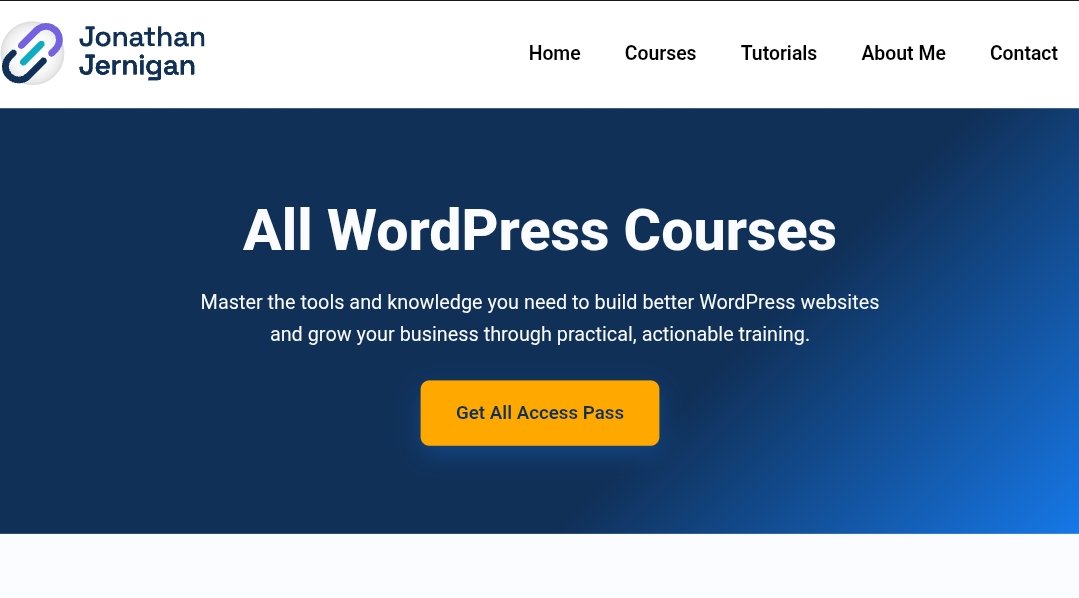
Jonathan Jernigan All Access Pass (WordPress) Review: The Ultimate Site-Building Toolkit?
The modern WordPress ecosystem has moved far beyond heavy, bloated page builders. Today, agencies and independent developers prioritize clean code, lightning-fast loading speeds, accessibility, and dynamic content structures using block-based architectures.
For creators looking to master this modern stack, Jonathan Jernigan All Access Pass (WordPress)—frequently structured through his flagship “Inside Link” portal and dedicated course library—promises a complete roadmap. Known for his practical YouTube tutorials, custom plugin development (such as Pie Calendar), and deep expertise in tools like GeneratePress, GenerateBlocks, and custom CSS, Jernigan offers a training ecosystem built for real-world site builders.
This review provides an honest breakdown of what the pass includes, its technical depth, key benefits, potential drawbacks, and whether it deserves a place in your web development stack.
What Is the Jonathan Jernigan All Access Pass (WordPress)?
The Jonathan Jernigan All Access Pass (WordPress) is a comprehensive learning and community platform designed to take WordPress users from basic layout assembly to advanced full-site editing and custom development.
Instead of teaching superficial design tricks, the curriculum focuses on sustainable development practices: building lightweight layouts with native Gutenberg blocks, structuring dynamic content via Advanced Custom Fields (ACF), writing custom CSS, and optimizing DNS/hosting configurations.
Legacy Page Builder Stack:
[Bloated Builders] ➔ [Heavy Elementor/Divi Code] ➔ [Slow Page Speed] ➔ Low Performance

Modern Modular Stack (Jernigan Framework):
[Lightweight Theme] ➔ [GenerateBlocks / Block Engine] ➔ [Custom CSS & ACF] ➔ Ultra-Fast ROAS & UX
Core Training Modules & Ecosystem Features
1. “Generate Made Easy” Framework
A core pillar of the ecosystem is mastering GeneratePress and GenerateBlocks. Rather than relying on rigid pre-made templates, students learn how to construct responsive, accessible layouts using semantic HTML containers, grid controls, and query loops.
2. “CSS Made Easy” Deep Dive
Many site builders rely on visual toggles because they fear raw code. The CSS curriculum breaks down foundational selectors, the flexbox model, CSS grid, and custom pseudo-elements. It equips developers to bypass builder limitations and write clean, efficient styling rules directly in WordPress.
3. Dynamic Content & Advanced Query Loops
Unlocking true agency-level capabilities requires working with custom post types (CPTs) and custom fields. The training details how to connect Advanced Custom Fields to block layouts, filter custom data dynamically, and construct complex directory-style websites.
4. Technical Infrastructure & DNS Workshops
A great website requires a solid hosting foundation. The pass includes specialized workshops on domain management, Cloudflare configuration, server optimization, and care-plan management to ensure client sites stay secure and performant.
Key Benefits: Why Developers Love This Program
-
Operator-Led Instruction: Lessons are recorded using real client workflows and actual site builds rather than scripted hypothetical scenarios.
-
Focus on Performance & Clean Code: Eliminates heavy plugin dependencies by teaching native CSS, lightweight block systems, and clean site architecture.
-
Active Private Community & Live Q&A: Members get access to private discussion channels, live site redesign teardowns, and weekly office hours to troubleshoot specific project issues.
-
Continuous Skill Updates: As block editors evolve (such as GenerateBlocks 2.0+ updates), new workshops are regularly added to reflect modern web standards.
Potential Drawbacks to Consider
-
Requires Code Comfort: While the lessons are beginner-friendly, users looking for pure drag-and-drop ease without touching CSS or custom fields may face a learning curve.
-
Specific Stack Focus: The content heavily favors block-based workflows like GeneratePress, GenerateBlocks, and native Gutenberg, which may be less relevant for agency teams committed exclusively to Elementor or Divi.
-
High Self-Discipline Needed: The library contains dozens of hours of deep technical modules, requiring a dedicated effort to digest and execute.
Comparison: Traditional WordPress Tutorials vs. Jernigan’s Methodology
Who Should Invest in This Pass?
-
Freelancers & Web Agencies: Operators who want to standardize their development stack, deliver lightning-fast client sites, and eliminate page-builder bloat.
-
Self-Taught WordPress Designers: Builders ready to move beyond basic layout tools and master custom CSS, Advanced Custom Fields, and structural code.
-
Performance-Obsessed Developers: Anyone looking to maximize Google PageSpeed Insights scores and build accessible, future-proof digital assets.
Final Verdict
The Jonathan Jernigan All Access Pass (WordPress) is an outstanding investment for web creators serious about mastering modern WordPress development. By combining deep technical instruction on block architectures with practical CSS, dynamic field integration, and active community support, it delivers everything needed to build high-performance, agency-grade websites.



Reviews
There are no reviews yet.